
Slither Link Plus
SlitherLink Plus — тренируйте свой мозг с помощью ежедневных логических головоломок. Используйте числа, чтобы нарисовать одну непрерывную петлю через сетки Square, Hex, Kite и Cairo и т. Д., Каждый из которых имеет уникальную логику. Сотни уровней ручной работы + бесконечный режим поддерживают ваши рассуждения острыми и ваш ум вовлечен.
- Дата выхода
- 14 сентября 2025
- Жанры
- Казуальные, Инди
- Платформы
- Windows
Об игре
Описание Slither Link Plus
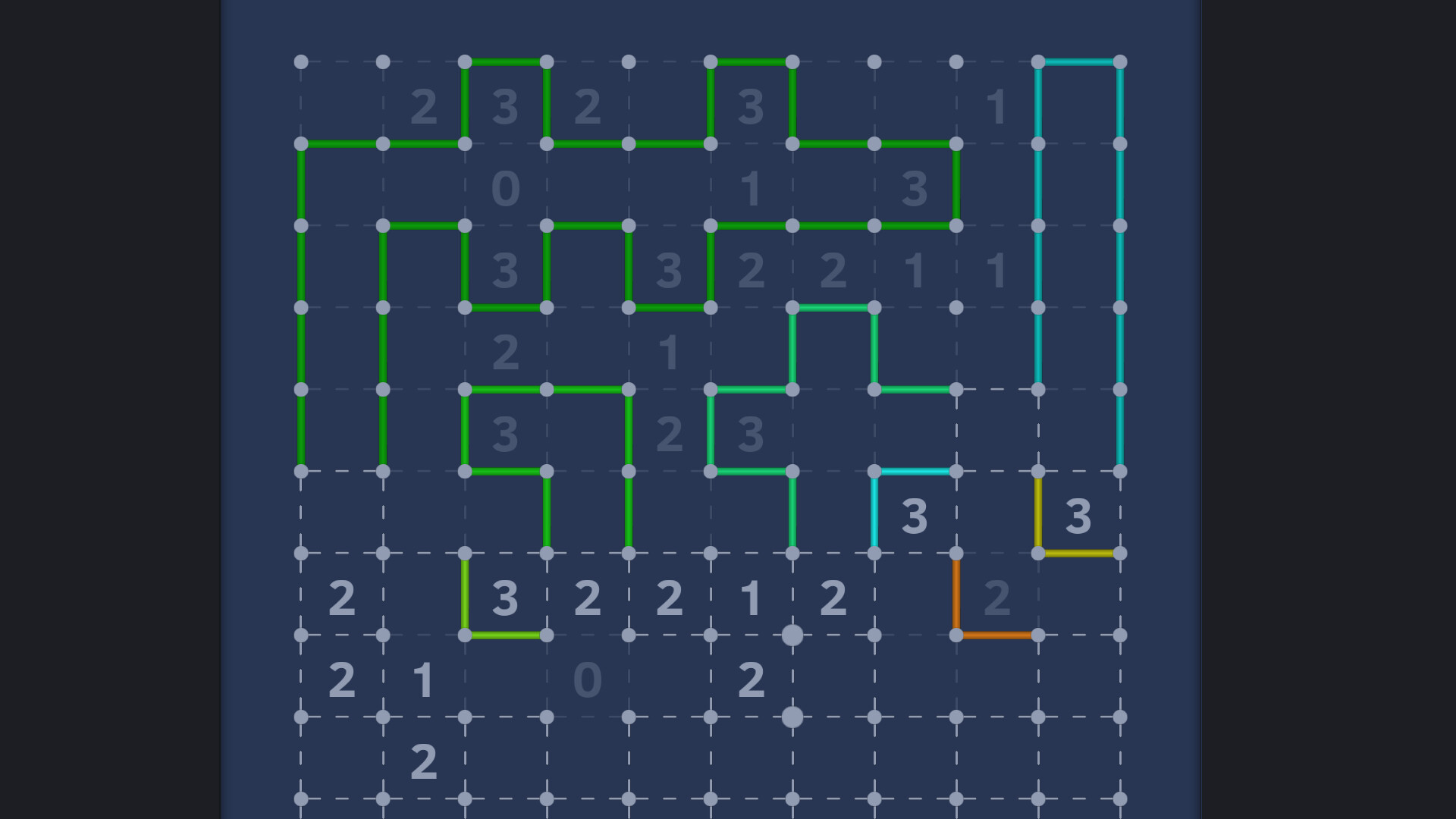
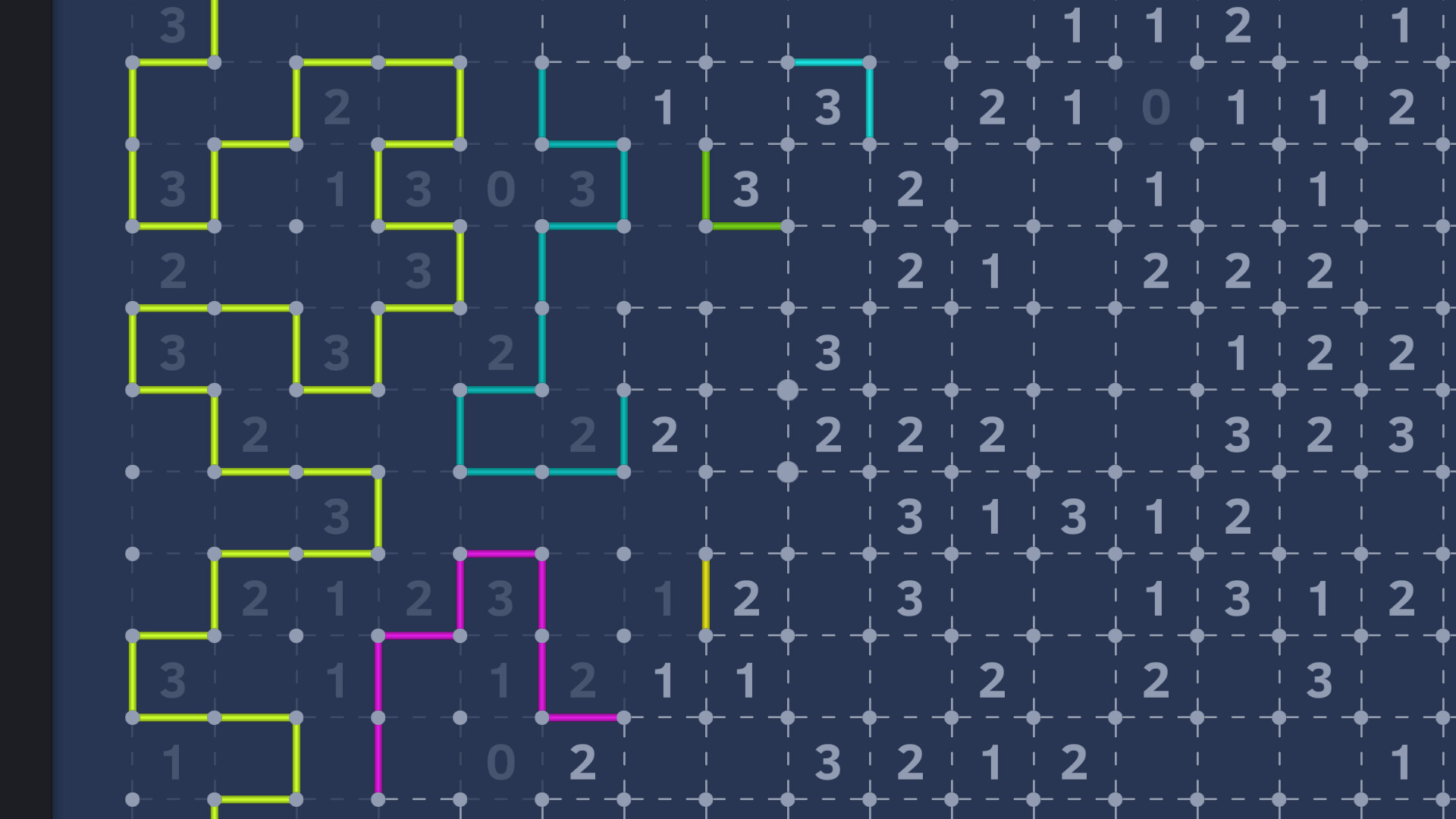
Slither Link Plus - это тип математической логической головоломки, состоящей из сетки и чисел, размещенных внутри нее. Основываясь на численных подсказках, игроки должны нарисовать один непрерывный замкнутый цикл по краям сетки.
️ Правила:
На сетке точек соедините соседние точки с направленными линиями, чтобы сформировать замкнутый цикл.
Число в клетке указывает, сколько ее окружающих краев должно быть частью петли. Пустые клетки могут иметь любое количество окружающих линий.
Петля не должна пересекаться, разветвляться или расщепляться, и на доске допускается только одна петля.
Особенности:
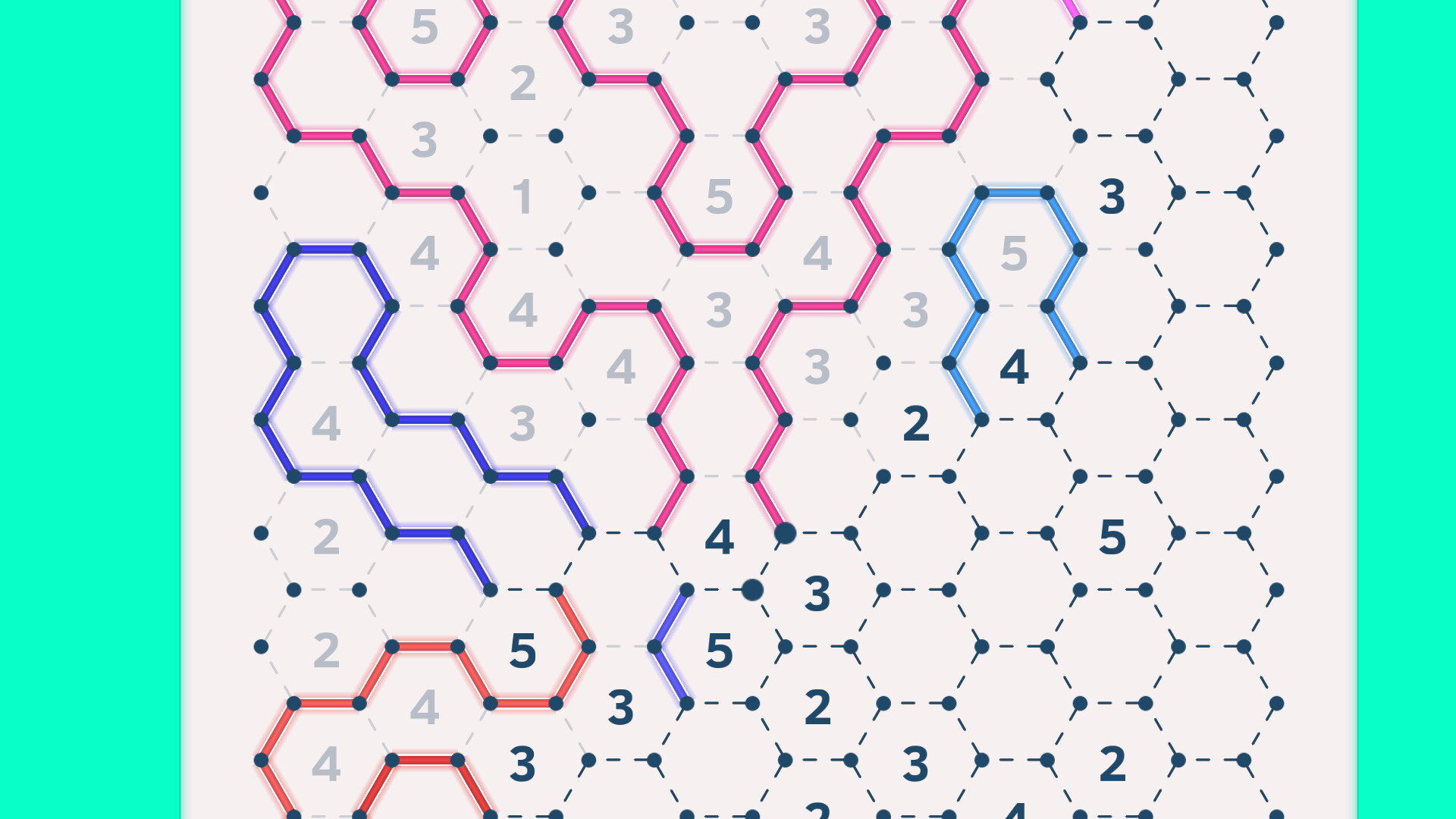
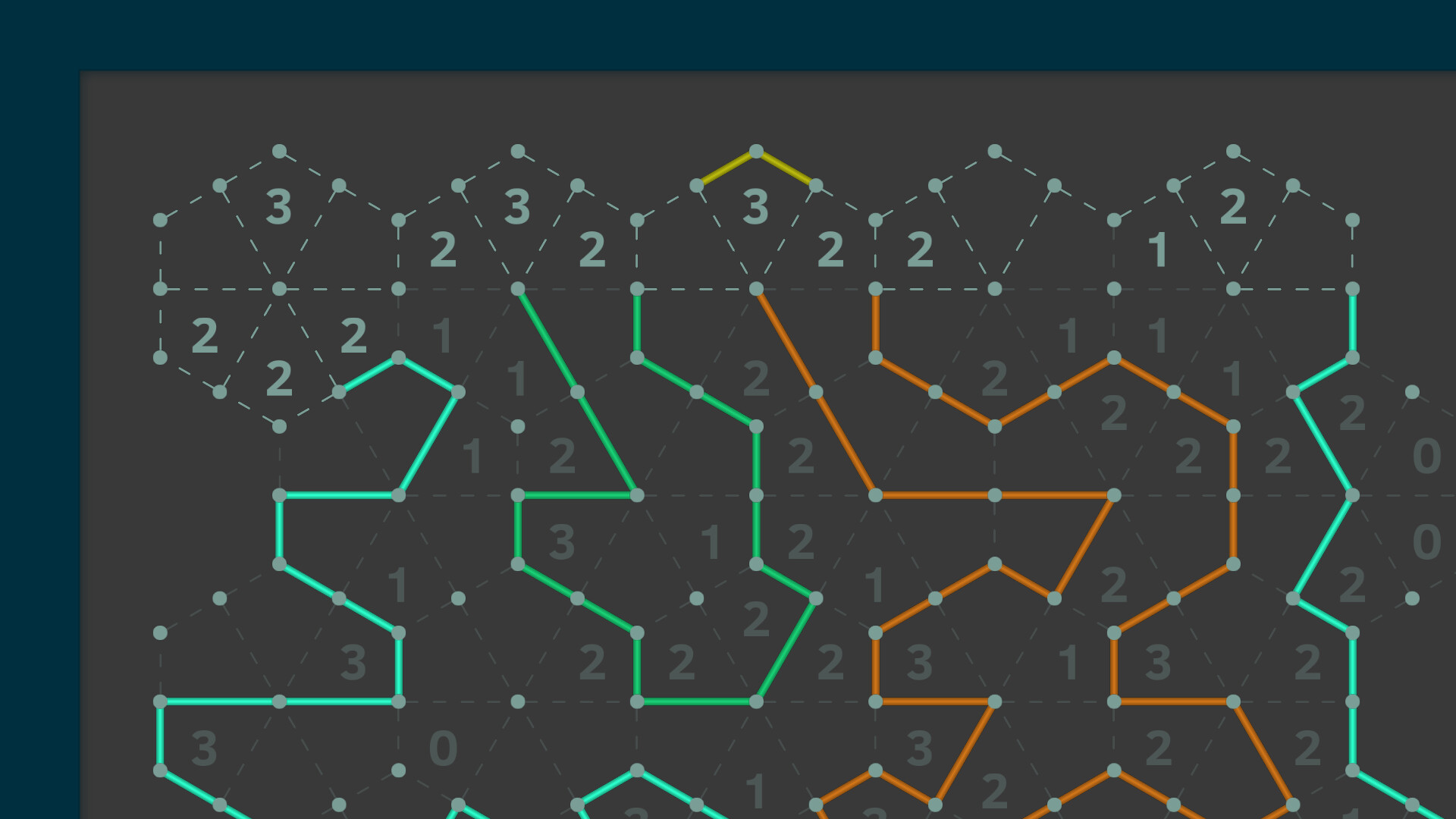
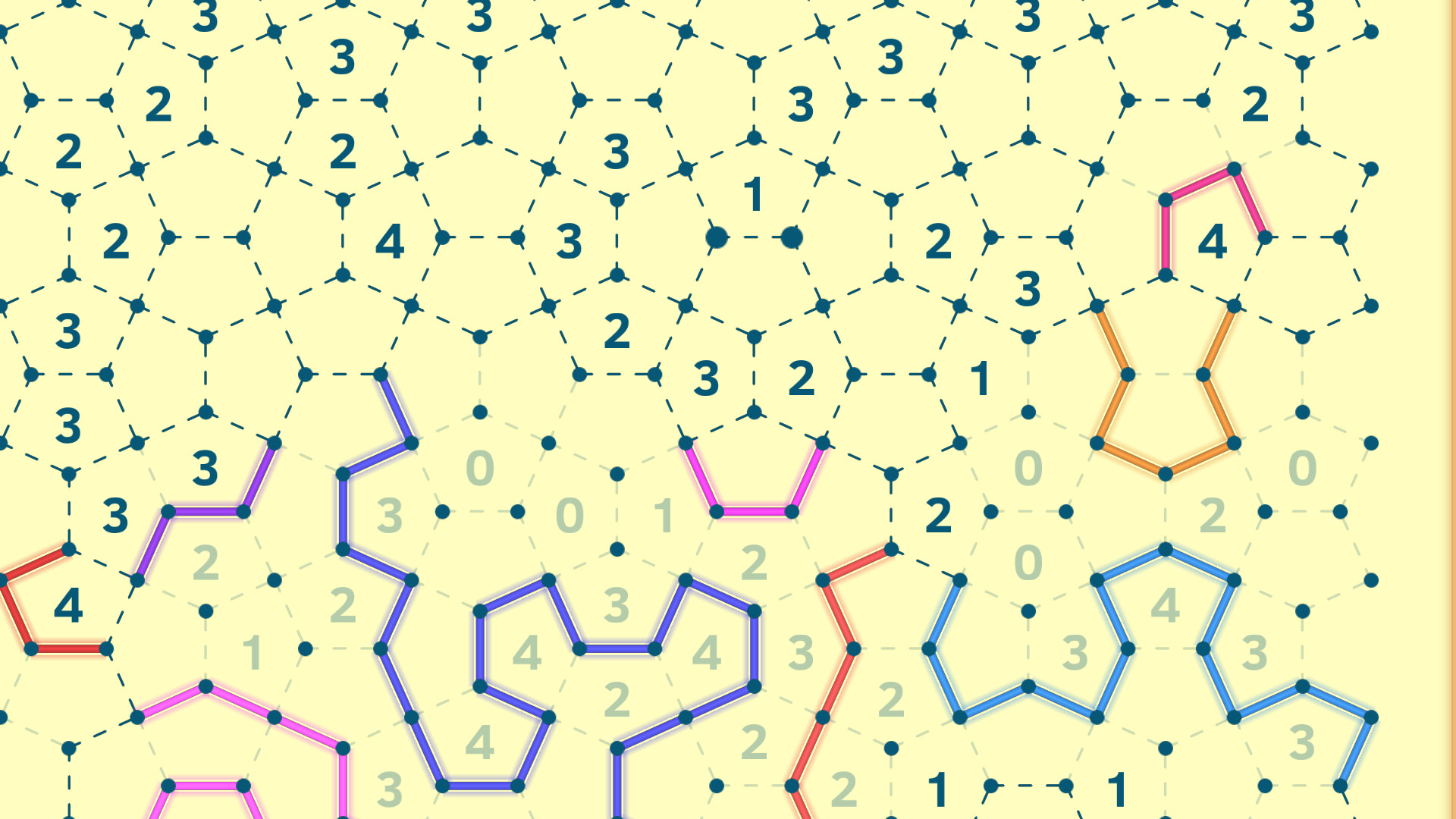
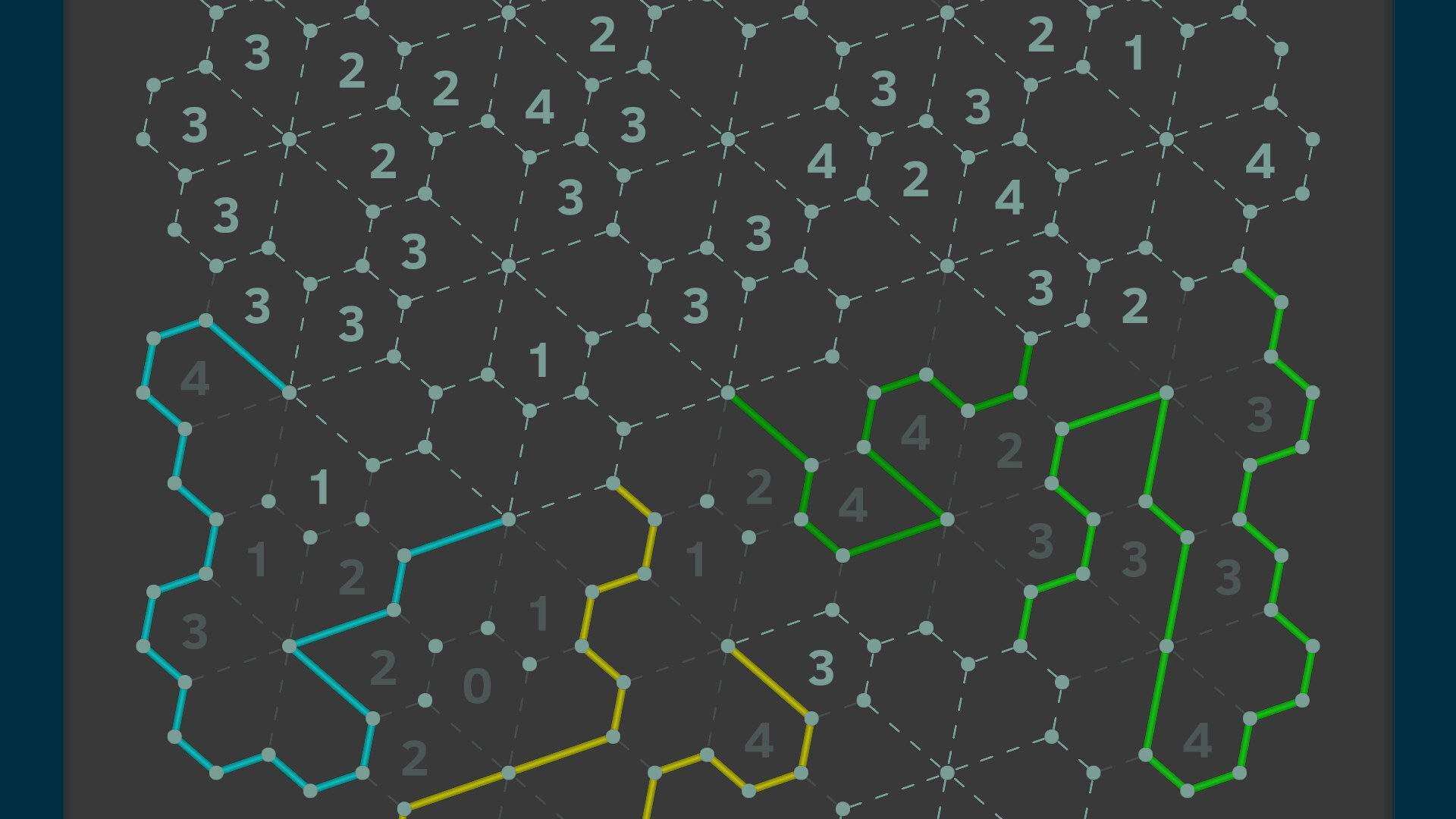
В дополнение к классической квадратной сетке эта версия также включает шестиугольные, кайтообразные и каирские плиточные доски — каждая из которых предлагает уникальные логические шаблоны и стратегии решения.
Включает в себя 5 типов досок и более 250 + N уровней ручной работы, подходящих для игроков всех уровней навыков — от начинающих до мастеров головоломок.
Несколько цветовых тем доступны для настройки вашего визуального опыта.
Система достижений позволяет разблокировать награды, завершая игровые уровни.
Встроенный генератор уровней поддерживает все типы плат и три настройки сложности, предоставляя бесконечные случайно сгенерированные головоломки для бесконечной игры в любое время.
Как играть:
Когда вы уверены, что линия должна быть размещена в определенной позиции, щелкните левой кнопкой мыши по этой позиции, чтобы поместить линию. Когда вы уверены, что ни одна линия не должна быть размещена в определенной позиции, щелкните правой кнопкой мыши по этой позиции, чтобы отметить, что у нее нет линии.
Если вы не уверены в том, что делать дальше во время игры, вы можете нажать на значок увеличительного стекла, чтобы использовать функцию подсказки и получить руководство для следующего шага.
Если функция подсказки не помогает решить проблему, вы можете использовать функцию предположения. Сначала поместите строку, а затем нажмите кнопку флага. Это действие закладывает в закладки предыдущую операцию размещения линии. Затем продолжайте игру. Если позже вы обнаружите, что не можете двигаться дальше, вы можете нажать кнопку отмены в течение 2 секунд, чтобы напрямую отменить закладку, тем самым устраняя недействительную операцию, которую вы только что сделали.
Контроль:
Специальные функции кнопки:
Флаг: Нажмите, чтобы переключать статус вкладки. Держите 2 секунды, чтобы удалить все вкладки.
Super Undo: удерживайте кнопку отмены в течение 2 секунд, чтобы быстро вернуться к точке рядом с последней вкладкой.
Звук Toggle piano: нажмите и удерживайте клавишу Ctrl, нажимая кнопку динамика, чтобы переключать, воспроизводится ли звук фортепиано.
Toggle disabledX: нажмите Ctrl и нажмите
кнопка переключения индикатора X для инвалида с правой кнопкой вручную.
Мышиные операции:
Карта перетаскивания: удерживайте среднюю кнопку мыши или удерживайте левую и правую кнопки мыши, чтобы перетащить карту.
Zoom: используйте колесо прокрутки мыши, чтобы увеличить и увеличить.
Keyboard Shortcuts:
Ундо:
Редо: ]
Флаг: P
Карта движения: W / A / S / D
Zoom: Q/E
Производительность
Системные требования Slither Link Plus
| Параметр | Минимальные | Рекомендуемые |
|---|---|---|
| Операционная система | Win7 | Win7-Win11 |
| Процессор | 1.6Ghz | Dual Core 2.0 Ghz |
| Оперативная память | 1 GB ОЗУ | 2 GB ОЗУ |
| Видеокарта | Intel HD Graphics | Intel HD Graphics |
| DirectX | версии 11 | версии 11 |
| Место на диске | 100 MB | 100 MB |
Галерея
Скриншоты Slither Link Plus
Сведения
Подробности об игре
Разработчики и издатели
Разработчик
Vector Game
Издатель
Vector Game
Языки и режимы
Языки
английский, французский, итальянский, немецкий, испанский — Испания, датский, украинский, русский, болгарский, венгерский, индонезийский, турецкий, греческий, норвежский, чешский, японский, польский, тайский, шведский, китайский (упр.), ки…
Игра без VR
Поддерживается
Оценки сообщества
Рекомендации Steam
Нет данных
Metacritic
Нет оценки
Продолжить выбор
Другие игры каталога
Ещё несколько игр из этого раздела каталога.
Terraria
Копайте, сражайтесь, исследуйте, стройте! Нет ничего невозможного в этой насыщенной событиями приключенческой игре. Также досту…
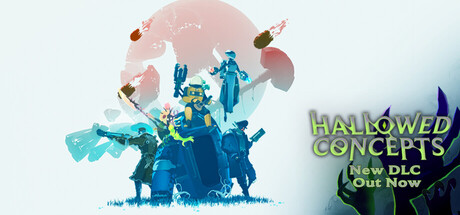
Risk of Rain 2
Выберитесь с хаотичной неизвестной планеты, отбиваясь от полчищ безумных монстров в одиночку или с друзьями. Неожиданным образо…
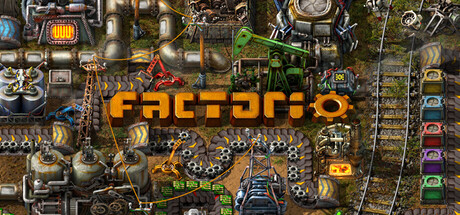
Factorio
Factorio - это игра о создании автоматизированных фабрик по производству вещей все более возрастающей сложности, в пределах бес…

Bongo Cat
Бонго-коту нужна ваша помощь. Бонго-котику нужно больше шляпок!!! Каждый раз, когда вы нажимаете клавишу, Бонго-кот будет стуча…